How to Bulk Import and Edit Products
Getting StartedRequirements
You need an active Standard or Pro subscription to use bulk import and edit.
Steps
1. Navigate to the "Bulk Import & Edit" section in your dashboard.
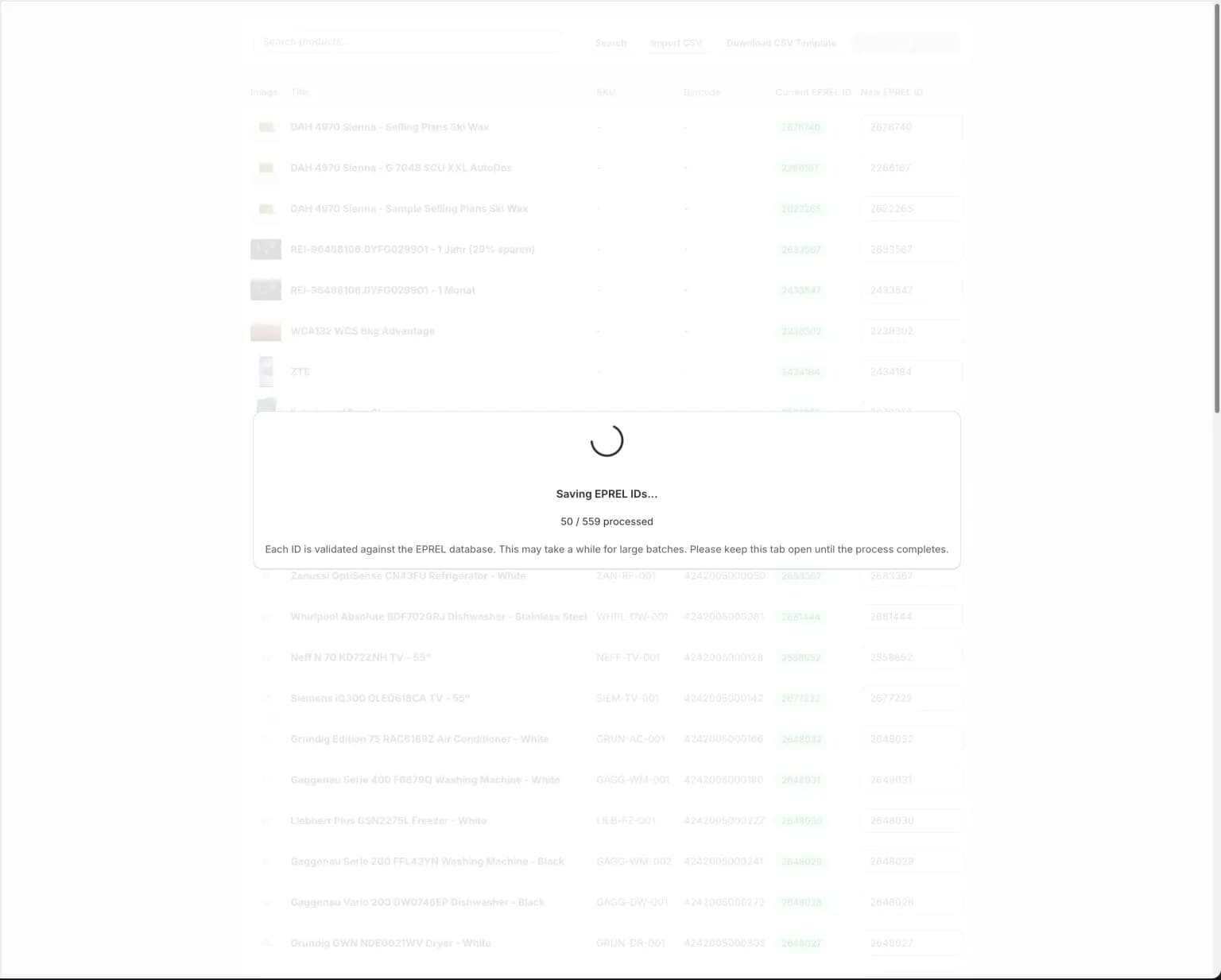
2. Start the import. Processing takes approximately 10 minutes per 500 products in the worst case.
3. Wait patiently for the process to finish and do not close the browser.
Tips
- Allow sufficient time based on your product volume
- Keep your browser window open throughout the process
- Do not interrupt or refresh during import