Add Our Snippet to Your Theme (Legacy Themes)
Getting StartedWhen to use this guide
This guide is for older Shopify themes that do not support app blocks (pre-Online Store 2.0). If your theme supports app blocks, use the standard app block integration instead.
Prerequisites
- You have installed the app and subscribed to a plan
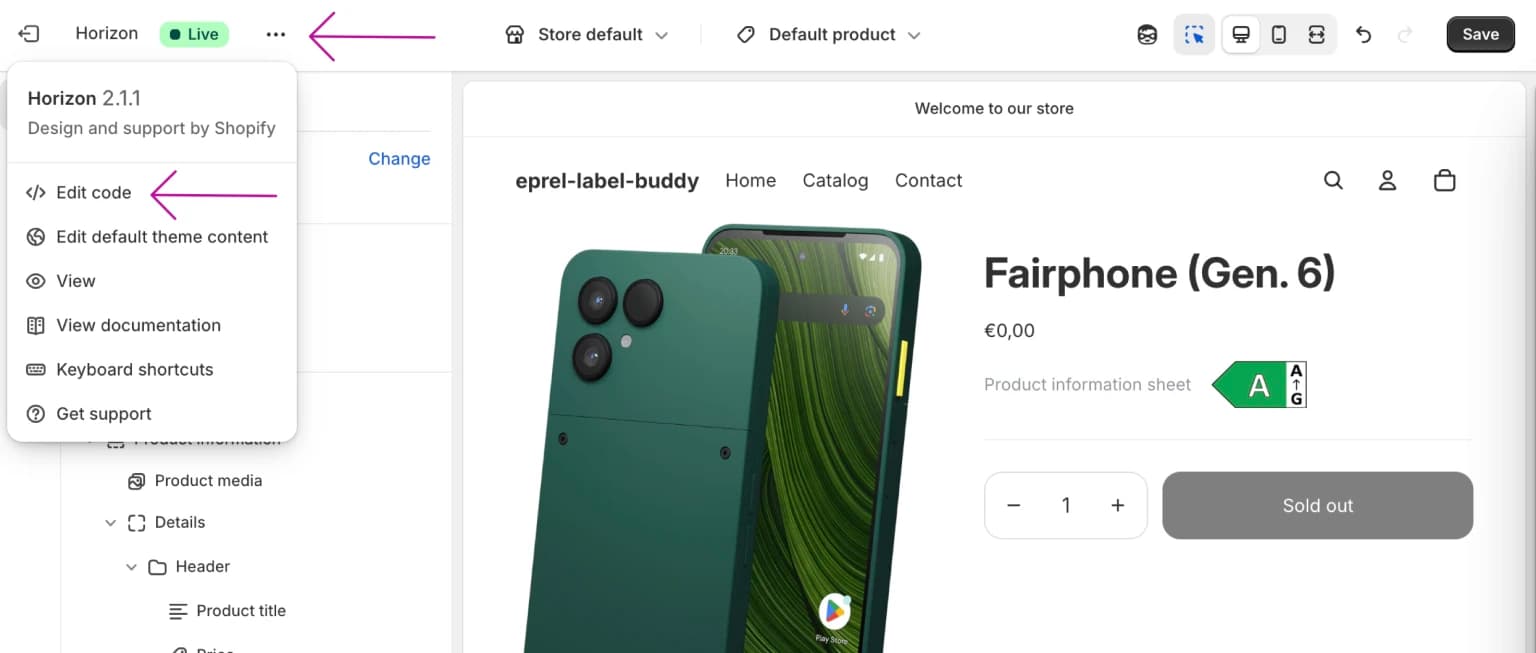
Step 1: Open theme code
Open the theme editor and access your theme's code files.
Step 2: Copy required files
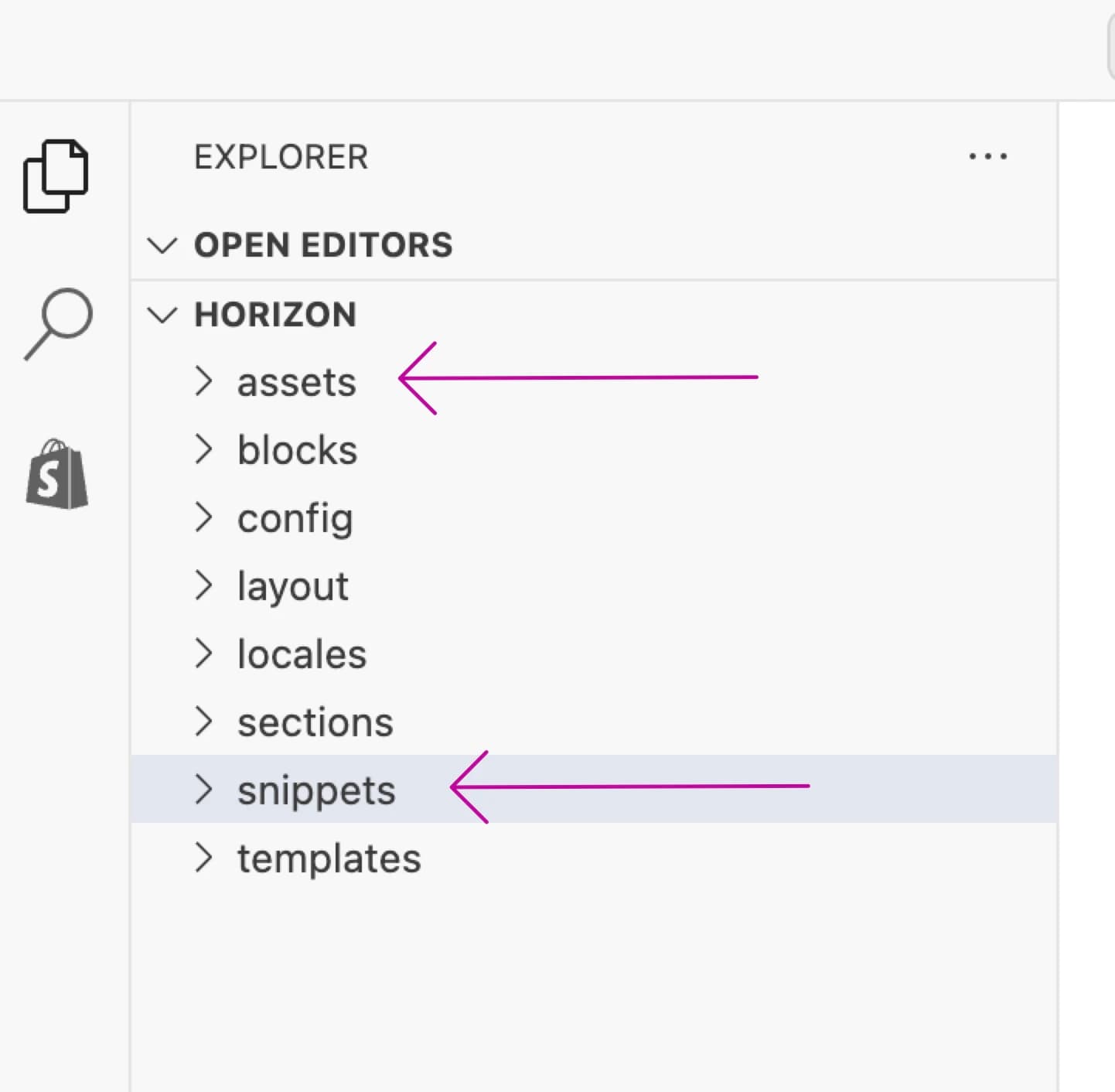
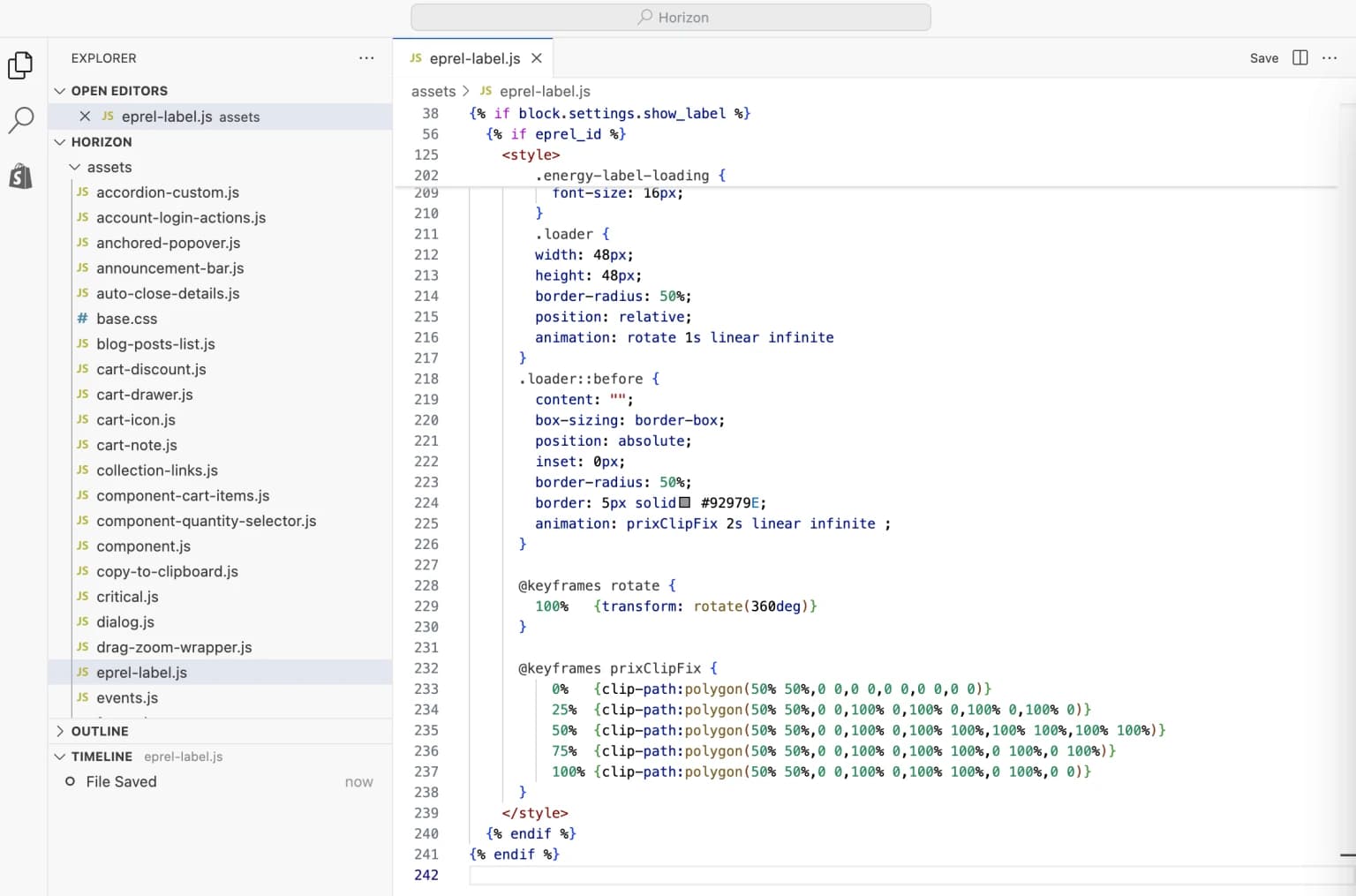
Copy two files: one to the assets directory and one to the snippets directory. You will find these files at the bottom of the page.
Step 3: Add translation strings
Add the following to your /locales/en.default.json file:
"eprel_label": {
  "title": "Product information sheet",
  "alt_text": "Energy efficiency label",
  "link_to_eprel_db": "More in EU EPREL Database"
},
Step 4: Add the snippet
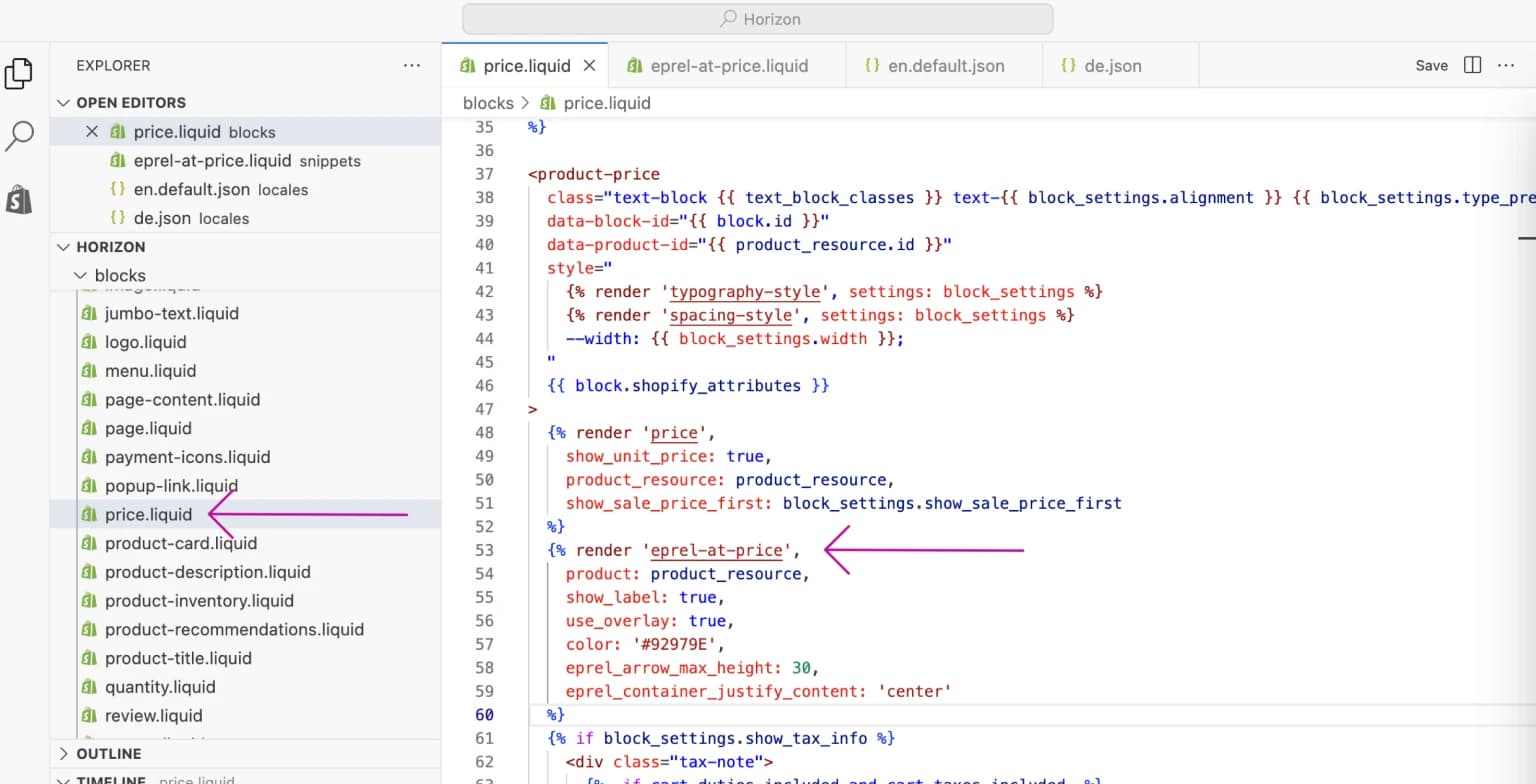
Use the following Liquid code to render the energy label where you want it to appear:
{% render 'eprel-at-price',
    product: product_resource,
    show_label: true,
    use_overlay: true,
    color: '#92979E',
    eprel_arrow_max_height: 30,
    eprel_container_justify_content: 'center'
%}
Important
The correct naming of the product variable depends on your theme — for example, sometimes it is referred to as just "product" instead of "product_resource". Consult your theme developer if you are unsure, or contact our support.