Install Our App and Subscribe to a Plan
Getting StartedInstall the app
Install the app from the Shopify App Store or via the direct link. Enter your shop's domain and log in with your Shopify credentials.
Accept and confirm
Review the privacy information and confirm the installation. The app will appear in your Shopify admin.
Subscribe to a plan
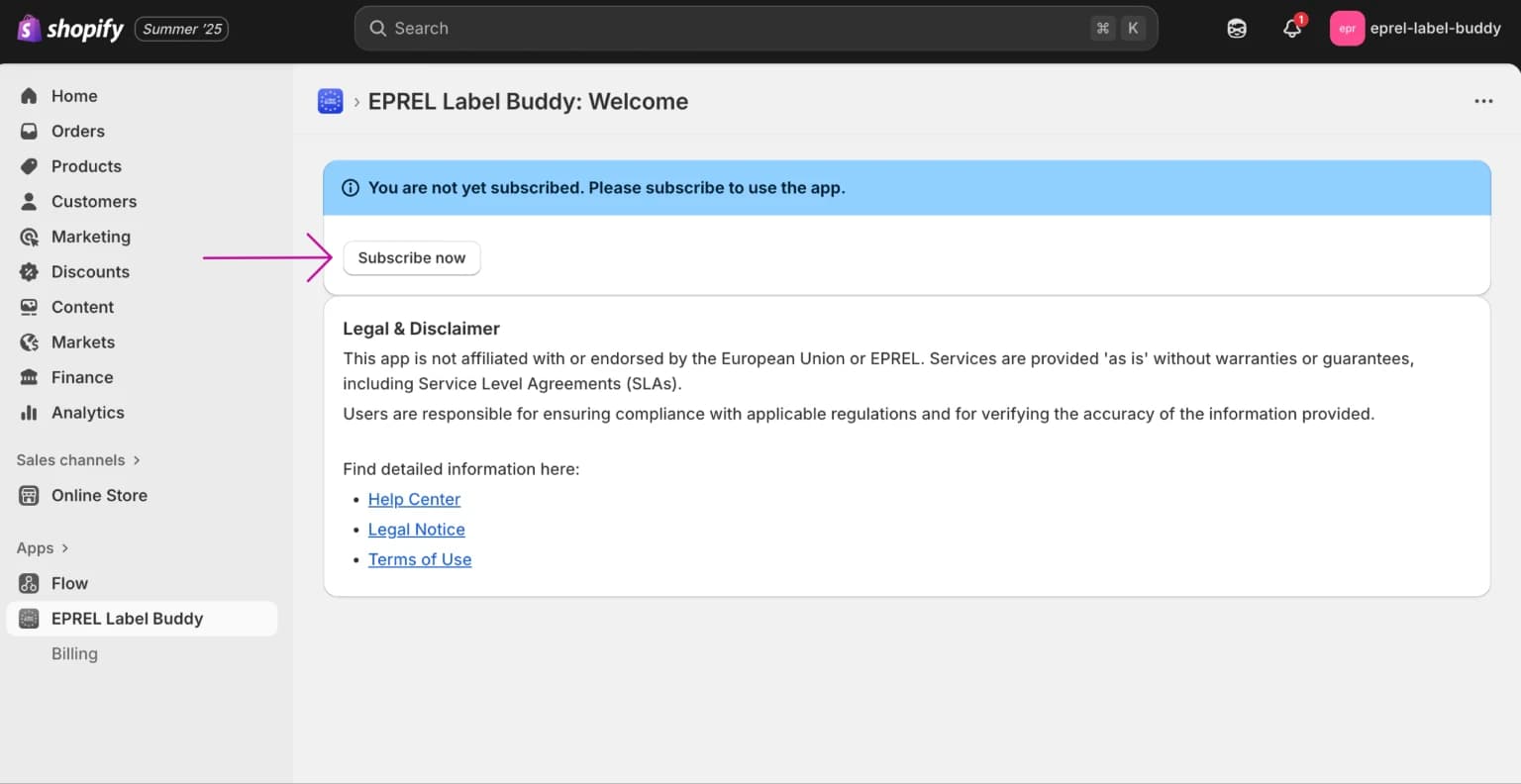
From the app's main page or the Billing section, select "Subscribe now" or "View plans". Choose the plan that fits your store and confirm payment through Shopify's secure payment processing.
Onboarding
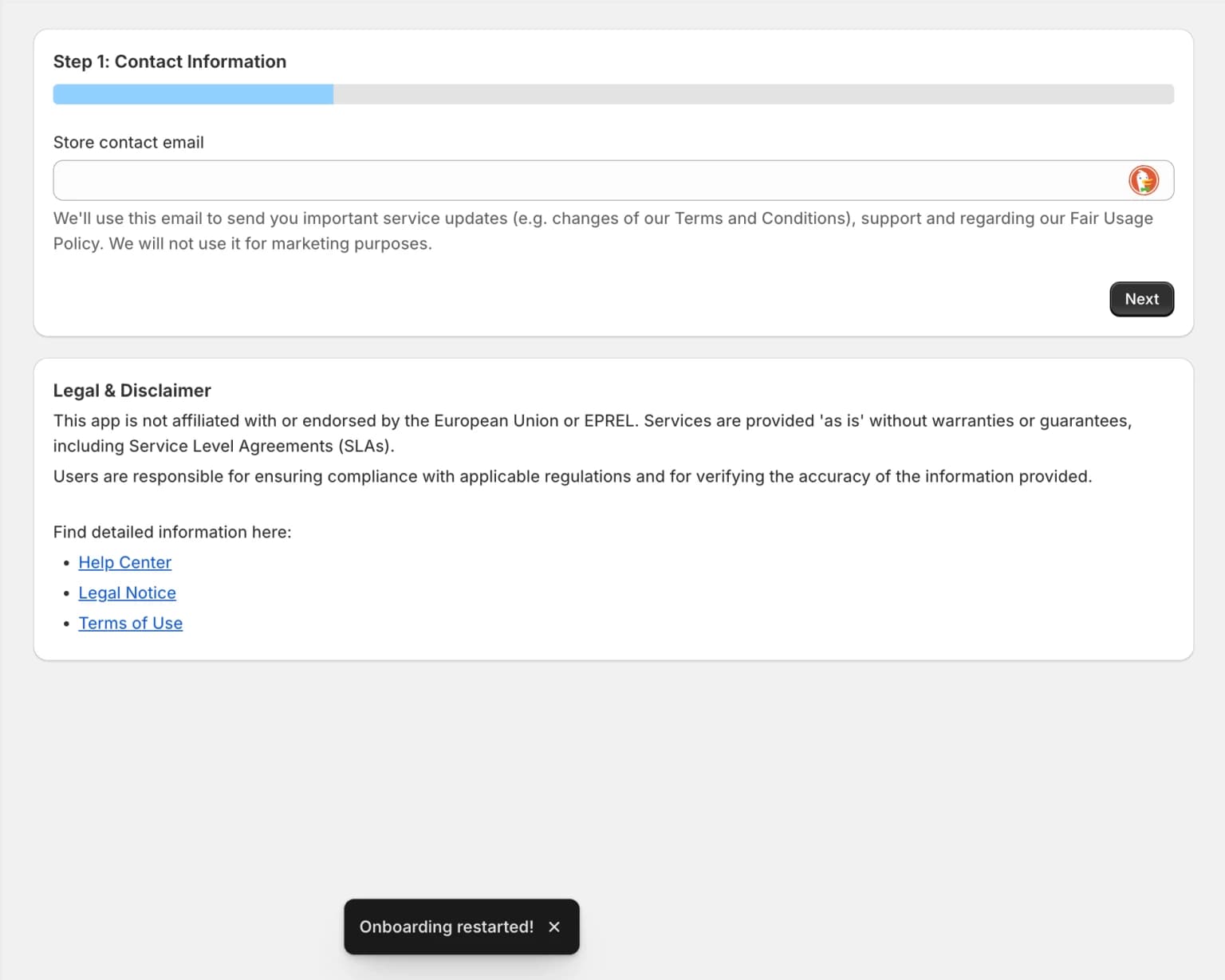
After subscribing you will enter the onboarding workflow. If you have been subscribed before, this is skipped. You can restart the onboarding at any time.
The onboarding process includes:
- Step 1: Enter a contact email for support purposes (not used for marketing)
- Step 2: Add the app block to your theme (see “Add Our App Block to Your Theme”)
- Step 3 (optional): Add energy label information to additional product display locations — wherever products are shown alongside pricing and purchase options